Instalar ZYBERMART

Abre cualquier herramienta desde tu pantalla de inicio o el Dock, en su propia ventana. Las que ya has usado también funcionan sin conexión.

Aplanar PDF

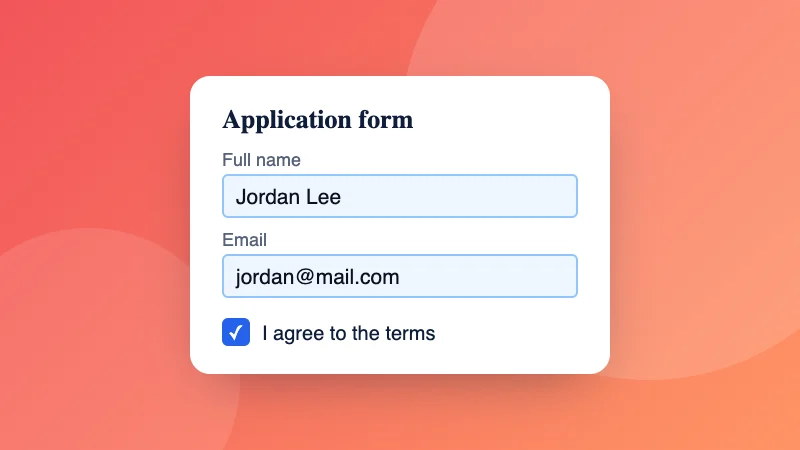
Aplana un PDF para que los formularios rellenados, los comentarios y las firmas pasen a formar parte de la página y no se puedan cambiar.

How to flatten a PDF

  1. Choose your PDF, for example a form you’ve filled in.
  2. Pick “Form fields only”, or “Everything, as pictures” to also lock in comments and signatures.
  3. Download the flattened PDF.

Need to fill in the form first? Use Fill PDF form. To stop others opening it, add a password.

Frequently asked questions

What does flattening a PDF do?

It makes the PDF look the same everywhere and stops it being changed easily. Filled-in form fields become ordinary text on the page, so the answers can't be edited and print correctly in every app.

Which option should I choose?

“Form fields only” keeps the text sharp and searchable, and suits filled-in forms you're sending back. “Everything, as pictures” also bakes in comments, stamps, highlights and signatures, and makes text impossible to edit or copy; the file is usually bigger.

Why do my form answers disappear in some apps?

Some phone apps and printers don't show form fields properly. Flattening turns the answers into page content, so they always show.

Is my PDF uploaded?

No. The PDF is flattened in your browser.

Can I flatten several PDFs at once?

Yes. Choose or drop several PDFs together: each one is flattened the way you choose and they download in one ZIP file.


Inicia sesión en ZYBERMART

Ten tus CV, facturas, tarjetas de estudio, notas y herramientas guardadas en todos tus dispositivos. Es gratis, y las herramientas funcionan igual sin cuenta.

o

No necesitas contraseña. Al iniciar sesión aceptas los términos; consulta cómo tratamos tus datos en la política de privacidad.

Tu cuenta

Al cerrar sesión se guarda una copia de tu trabajo en este navegador. En un ordenador compartido, borra después los datos del navegador.

¿Qué quieres crear?

Diseños

Redes sociales

Documentos

Estudio

Editar

Ver las 282 herramientas