ZYBERMART ස්ථාපනය කරන්න

සෑම මෙවලමක්ම ඔබේ home screen එකෙන් හෝ dock එකෙන්, වෙනම කවුළුවක විවෘත කරන්න. ඔබ භාවිත කළ මෙවලම් offline ද ක්‍රියා කරයි.

ශ්‍රව්‍ය වේගය සහ Pitch වෙනස් කරන්නා

කෙඳිරි හඬක් නැතිව ශබ්දය වේගවත් හෝ මන්දගාමී කරන්න, නැතහොත් pitch එක semitones වලින් ඉහළට හෝ පහළට ගෙන යන්න.

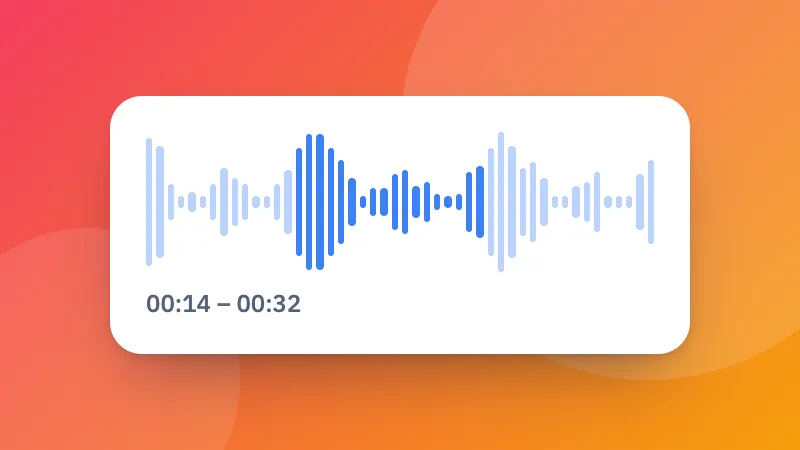
How to change the speed or pitch of audio

  1. Choose a sound file.
  2. Set the speed and the pitch. Keep the pitch to speed up speech without it sounding odd.
  3. Listen and download it as MP3, M4A or WAV.

For a video, use change video speed. Making it louder too? Try the volume booster.
Frequently asked questions

Can I change the speed without making voices sound like chipmunks?

Yes. Keep “Keep the pitch” ticked and the sound gets faster or slower at the same pitch.

Can I change the pitch without changing the speed?

Yes. Leave the speed at 1× and move the pitch up or down in semitones, for example to sing along in a different key.

What range does it cover?

Speed from half (0.5×) to double (2×), and pitch up or down 12 semitones, a whole octave.

Is my file uploaded?

No. It is changed in your browser and saved as MP3, M4A or WAV.

ZYBERMART වෙත පුරනය වන්න

ඔබේ CV, ඉන්වොයිසි, flashcards, සටහන් සහ සුරැකි මෙවලම් ඔබේ සියලු උපාංගවල තබා ගන්න. එය නොමිලේ, ගිණුමක් නැතිවත් මෙවලම් එලෙසම ක්‍රියා කරයි.

හෝ

මුරපදයක් අවශ්‍ය නැත. පුරනය වීමෙන් ඔබ නියමවලට එකඟ වේ; අපි ඔබේ දත්ත හසුරුවන ආකාරය රහස්‍යතා ප්‍රතිපත්තියෙන් බලන්න.

ඔබේ ගිණුම

ඉවත් වූ පසුත් ඔබේ වැඩවල පිටපතක් මෙම බ්‍රවුසරයේ ඉතිරි වේ. පොදු පරිගණකයක නම්, පසුව ඔබේ බ්‍රවුසර දත්ත මකන්න.

ඔබට සෑදීමට අවශ්‍ය කුමක්ද?

නිර්මාණ

සමාජ මාධ්‍ය

ලේඛන

අධ්‍යයනය

සංස්කරණය

මෙවලම් 282 සියල්ල බලන්න