How to change the speed or pitch of audio
- Choose a sound file.
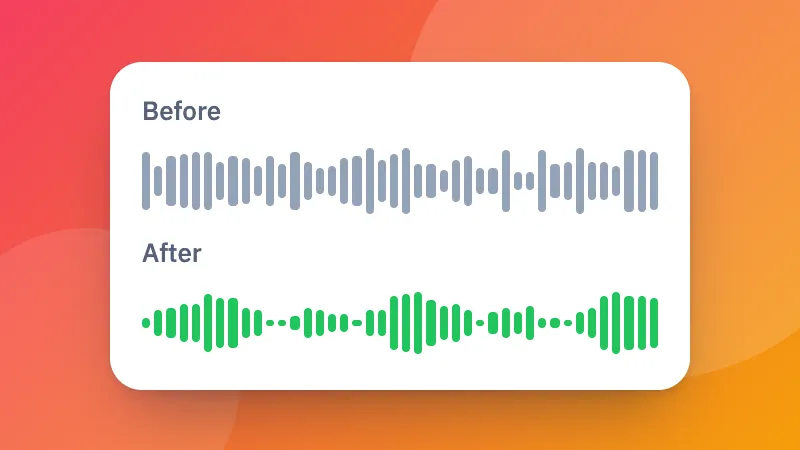
- Set the speed and the pitch. Keep the pitch to speed up speech without it sounding odd.
- Listen and download it as MP3, M4A or WAV.
For a video, use change video speed. Making it louder too? Try the volume booster.
Frequently asked questions
Can I change the speed without making voices sound like chipmunks?
Yes. Keep “Keep the pitch” ticked and the sound gets faster or slower at the same pitch.
Can I change the pitch without changing the speed?
Yes. Leave the speed at 1× and move the pitch up or down in semitones, for example to sing along in a different key.
What range does it cover?
Speed from half (0.5×) to double (2×), and pitch up or down 12 semitones, a whole octave.
Is my file uploaded?
No. It is changed in your browser and saved as MP3, M4A or WAV.