How to make audio louder
- Choose a sound file or a video.
- Move the slider up, or tick “As loud as it can go”.
- Listen to the result and download it.
Background hiss? Clean it up first with the noise remover. Need a different format? Use the audio converter.
Frequently asked questions
How much louder can it go?
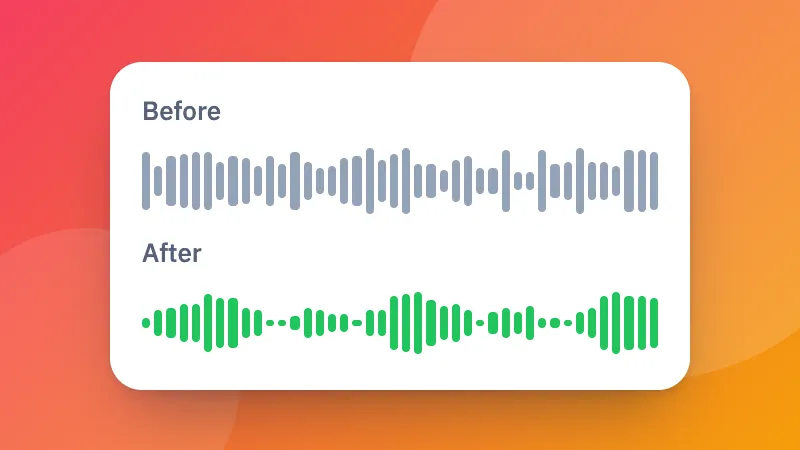
Up to +24 dB. Every +6 dB sounds about twice as loud. Tick “As loud as it can go” to raise it right up to the edge without distortion.
Will it crackle or distort?
No. Loud peaks are rounded off smoothly instead of being cut, so it stays clean even when it is much louder.
Can I make a video louder?
Yes. Choose the video: its picture is kept exactly as it is and only the sound is made louder.
Can I make it quieter?
Yes, move the slider below 0 dB.