Installera ZYBERMART

Öppna alla verktyg från hemskärmen eller Dock, i ett eget fönster. Verktyg du har använt fungerar även offline.

Slå ihop ljud

Sätt ihop MP3, WAV, M4A och andra ljudfiler till en, med tystnad eller mjuk övertoning emellan.

How to join audio files

  1. Choose two or more audio files: songs, voice notes, podcast parts or lesson recordings.
  2. Put them in order, and choose what goes between them: nothing, a short silence or a smooth crossfade.
  3. Click Join audio, listen to the result and download it.

Need to cut a part out first? Use the audio cutter. To change the format of a single file, use the audio converter.
Frequently asked questions

Can I join MP3 files without losing quality?

The files are joined and saved again as one MP3 at high quality (192 kbps or more), which sounds the same as the originals. Choose WAV if you need a lossless result.

Can I join files of different formats?

Yes. You can mix MP3, WAV, M4A, OGG, FLAC and even the sound from MP4 videos. Everything is converted to the format you choose.

What does “Even out the volume” do?

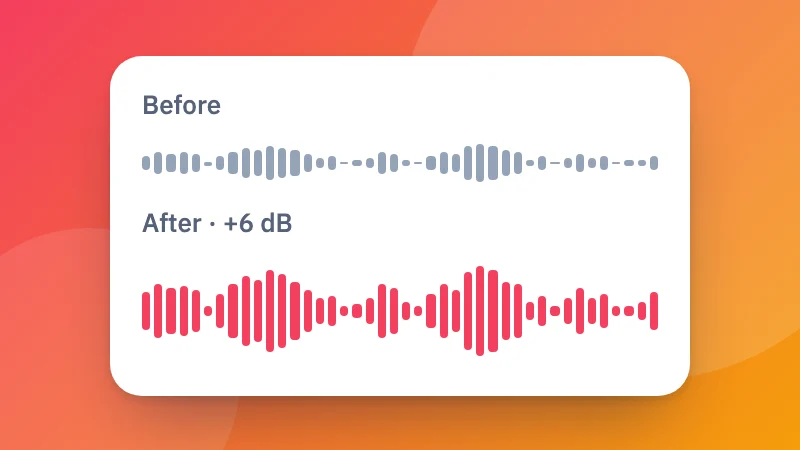
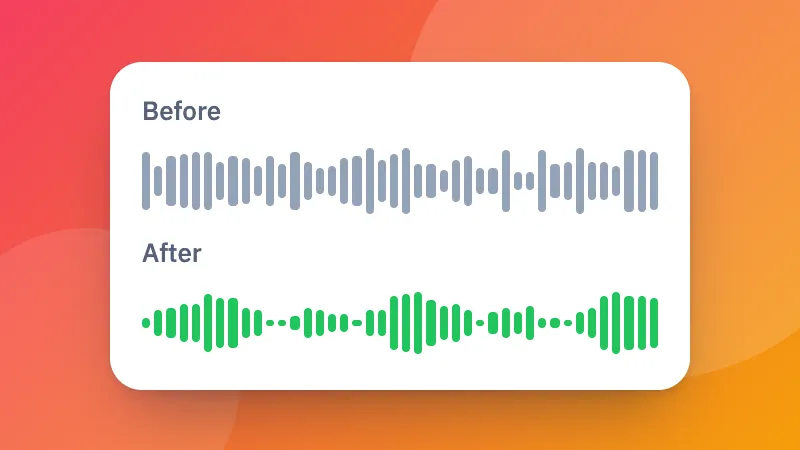
It makes every file about equally loud, so a quiet recording doesn't get lost next to a loud one. It's useful for joining voice notes, lessons or songs from different sources.

Are my files uploaded?

No. Your audio is joined in your browser and never leaves your device.

Logga in på ZYBERMART

Ha dina CV:n, fakturor, flashcards, anteckningar och sparade verktyg på alla dina enheter. Det är gratis, och verktygen fungerar likadant utan konto.

eller

Inget lösenord behövs. Genom att logga in godkänner du villkoren. Läs hur vi hanterar dina data i integritetspolicyn.

Ditt konto

När du loggar ut finns en kopia av ditt arbete kvar i den här webbläsaren. På en delad dator bör du rensa webbläsardata efteråt.

Vad vill du skapa?

Designer

Sociala medier

Dokument

Studier

Redigera

Visa alla 282 verktyg