Installera ZYBERMART

Öppna alla verktyg från hemskärmen eller Dock, i ett eget fönster. Verktyg du har använt fungerar även offline.

Streckkodsläsare

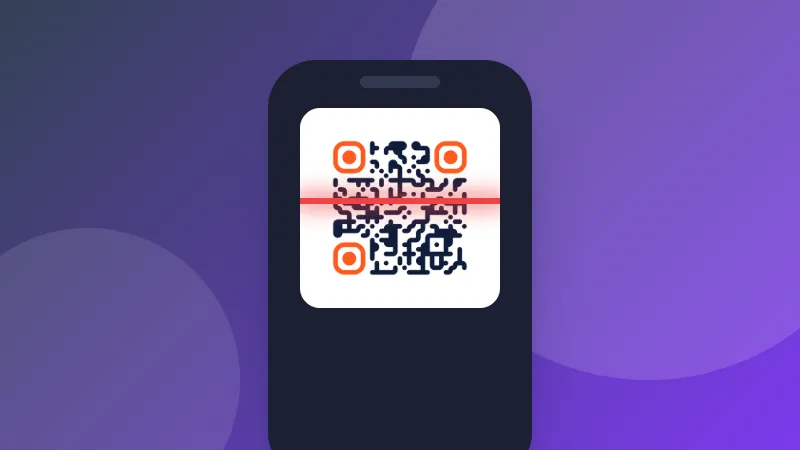
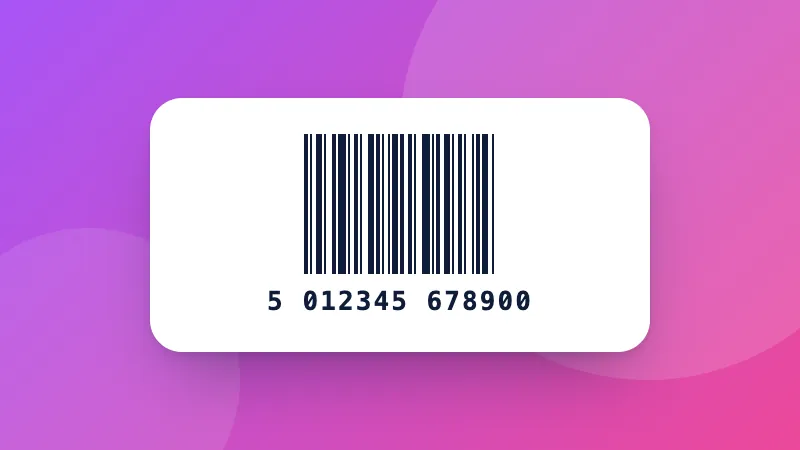
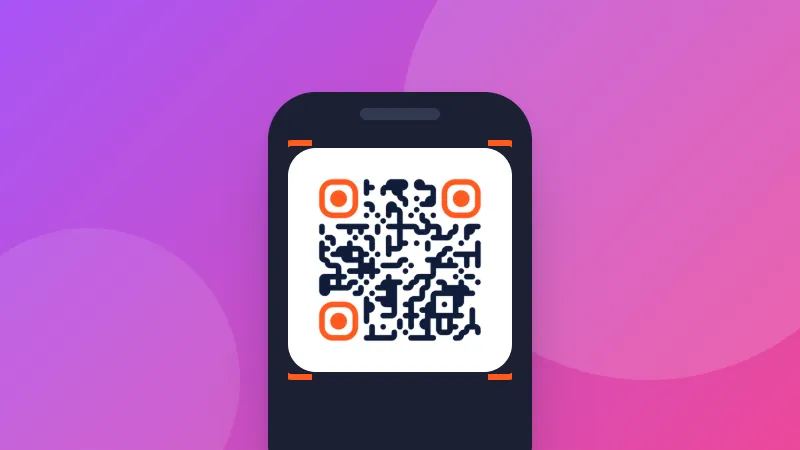
Skanna EAN, UPC, Code 128, Data Matrix, PDF417, Aztec, QR och andra koder med kameran eller från foton, flera åt gången, och exportera som CSV.

How to scan a barcode online

  1. Click Start camera and allow access, or choose a photo or screenshot.
  2. Hold the barcode inside the frame. Each new code is beeped, shown and added to the list.
  3. Copy the result, look the product up, or download everything you've scanned as a CSV file.

Good uses

  • Stocktaking: scan many products, then download the CSV and open it in Excel.
  • Checking labels: read Data Matrix and GS1 codes on medicines and shipments, including expiry dates and batch numbers.
  • Books: scan the ISBN to look a book up.

Need to make barcodes? Use the barcode generator. To open the CSV, try the spreadsheet viewer.
Frequently asked questions

Which barcode types can it read?

Linear barcodes: EAN-13, EAN-8, UPC-A, UPC-E, ISBN, Code 128 and GS1-128, Code 39, Code 93, Codabar, ITF and ITF-14, GS1 DataBar, Telepen, PZN and more. 2D codes: QR Code, Micro QR, rMQR, Data Matrix (including GS1), PDF417 and MicroPDF417, Aztec and MaxiCode.

Can it read several barcodes in one photo?

Yes. Choose an image and every code in it is found and numbered on the picture, for example all the labels on a box or a sheet of stickers. You can also choose several images at once.

Why won't my barcode scan?

Hold the camera steady, close enough that the barcode fills most of the frame, and avoid glare. Long linear barcodes scan best when held horizontally inside the wide frame. Turn on the flashlight in dim light. Very small or damaged codes may need a sharper photo.

What do the GS1 fields mean?

GS1 barcodes on products and shipments contain data with standard codes: (01) is the product number (GTIN), (17) the expiry date, (10) the batch or lot, and (21) the serial number. The scanner lists these by name.

Is the camera image sent anywhere?

No. Codes are read on your device by the open-source ZXing engine, and nothing is recorded or uploaded.

Logga in på ZYBERMART

Ha dina CV:n, fakturor, flashcards, anteckningar och sparade verktyg på alla dina enheter. Det är gratis, och verktygen fungerar likadant utan konto.

eller

Inget lösenord behövs. Genom att logga in godkänner du villkoren. Läs hur vi hanterar dina data i integritetspolicyn.

Ditt konto

När du loggar ut finns en kopia av ditt arbete kvar i den här webbläsaren. På en delad dator bör du rensa webbläsardata efteråt.

Vad vill du skapa?

Designer

Sociala medier

Dokument

Studier

Redigera

Visa alla 282 verktyg