Installera ZYBERMART

Öppna alla verktyg från hemskärmen eller Dock, i ett eget fönster. Verktyg du har använt fungerar även offline.

Visa och redigera kalkylblad

Öppna Excel- och CSV-filer utan Excel, och sök, sortera, redigera celler och spara som XLSX eller CSV.

What you can do

  • View every sheet of an Excel workbook, or a CSV file, without Excel or an account.
  • Search to show only the rows that contain a word or number.
  • Sort by any column by clicking its letter; click again to reverse the order.
  • Edit cells, add rows and columns, and delete rows.
  • Save the result as an Excel workbook or a CSV file.

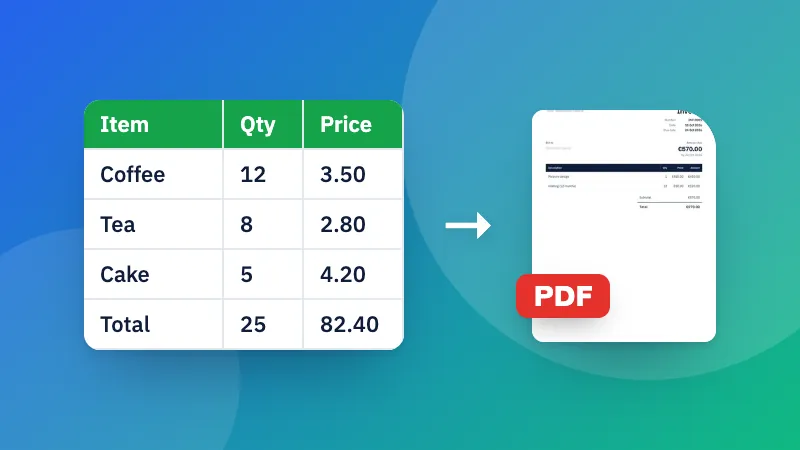
Need a different format? See Excel to CSV, CSV to Excel and Excel to PDF.

Frequently asked questions

How do I open an Excel file without Excel?

Choose or drop the file here. XLSX, XLS, ODS and CSV files open straight away in your browser, on a computer or a phone, and you can search, sort and edit them.

Are formulas and formatting kept?

The viewer shows and saves cell values, the way Excel displays them. Formulas, colors, charts and merged cells aren't kept when you save, so keep your original file if you need them.

How do I edit a cell?

Click or tap the cell and type. Press Enter or click elsewhere to finish. Use the buttons above the table to add rows and columns, and the × next to a row number to delete that row.

Is my file uploaded?

No. The spreadsheet is opened and edited in your browser, which also makes it safe for confidential data.

Logga in på ZYBERMART

Ha dina CV:n, fakturor, flashcards, anteckningar och sparade verktyg på alla dina enheter. Det är gratis, och verktygen fungerar likadant utan konto.

eller

Inget lösenord behövs. Genom att logga in godkänner du villkoren. Läs hur vi hanterar dina data i integritetspolicyn.

Ditt konto

När du loggar ut finns en kopia av ditt arbete kvar i den här webbläsaren. På en delad dator bör du rensa webbläsardata efteråt.

Vad vill du skapa?

Designer

Sociala medier

Dokument

Studier

Redigera

Visa alla 282 verktyg