Instal ZYBERMART

Buka semua alat dari layar utama atau dock, di jendelanya sendiri. Alat yang pernah Anda gunakan juga bisa dipakai offline.

Perekam Suara

Rekam suara Anda dengan mikrofon, lihat level suara secara langsung, dan simpan setiap rekaman sebagai MP3 atau WAV.

0:00

    How to record audio

    1. Choose your microphone and click Start recording.
    2. Pause and resume as needed, then click Stop.
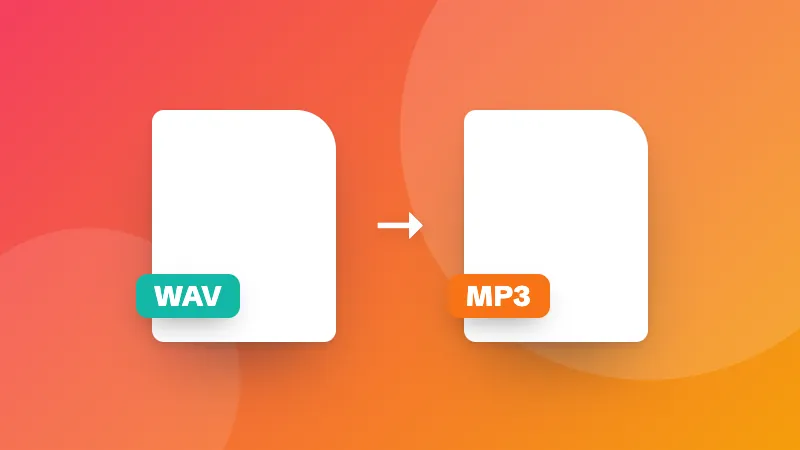
    3. Play the take back and save it as MP3, WAV or the original format.

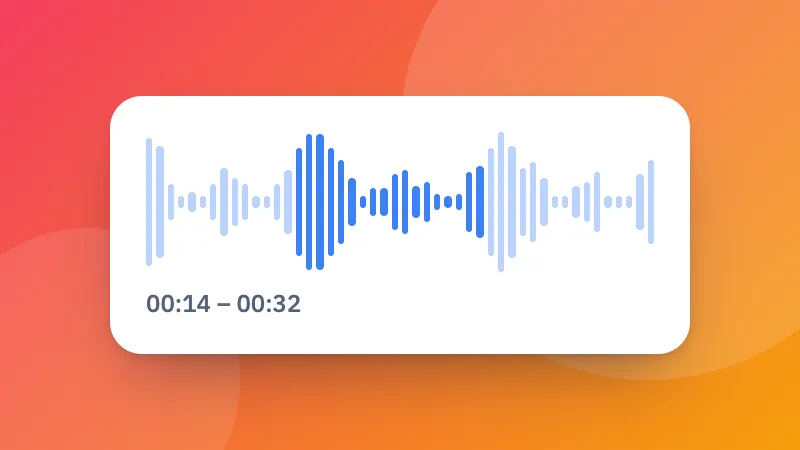
    Cut the start and end with the audio cutter, or convert it with the audio converter.
    Frequently asked questions

    How do I record my voice online?

    Click “Start recording” and allow the microphone. Speak, then click Stop. Listen to the take and save it as an MP3, WAV or in the original format. You can record as many takes as you like.

    Which format should I save?

    MP3 plays everywhere and keeps files small. WAV is uncompressed, which is best if you'll edit the recording. The original format (WEBM or M4A, depending on the browser) is the quickest to save.

    How do I get better sound?

    Record in a quiet room with soft furnishings, keep the microphone 15–30 cm from your mouth, and watch the level meter: speech should reach the middle of the meter without hitting the end. Turn off noise suppression for music.

    Are my recordings uploaded?

    No. Recordings stay in your browser until you download them, and disappear when you close the page.

    Masuk ke ZYBERMART

    Simpan CV, invoice, flashcard, catatan, dan alat tersimpan Anda di semua perangkat. Gratis, dan semua alat tetap berfungsi sama tanpa akun.

    atau

    Tanpa kata sandi. Dengan masuk, Anda menyetujui ketentuan kami; lihat cara kami mengelola data Anda di kebijakan privasi.

    Akun Anda

    Saat keluar, salinan pekerjaan Anda tetap tersimpan di browser ini. Di komputer bersama, hapus data browser setelahnya.

    Apa yang ingin Anda buat?

    Desain

    Media sosial

    Dokumen

    Belajar

    Edit

    Lihat semua 282 alat