Instalar ZYBERMART

Abre cualquier herramienta desde tu pantalla de inicio o el Dock, en su propia ventana. Las que ya has usado también funcionan sin conexión.

Grabadora de voz

Graba tu voz con el micrófono, mira el nivel de sonido en directo y guarda cada grabación en MP3 o WAV.

0:00

    How to record audio

    1. Choose your microphone and click Start recording.
    2. Pause and resume as needed, then click Stop.
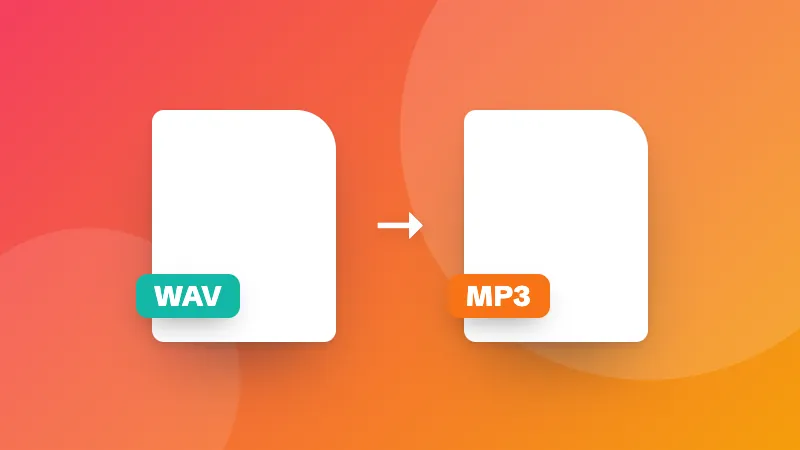
    3. Play the take back and save it as MP3, WAV or the original format.

    Cut the start and end with the audio cutter, or convert it with the audio converter.
    Frequently asked questions

    How do I record my voice online?

    Click “Start recording” and allow the microphone. Speak, then click Stop. Listen to the take and save it as an MP3, WAV or in the original format. You can record as many takes as you like.

    Which format should I save?

    MP3 plays everywhere and keeps files small. WAV is uncompressed, which is best if you'll edit the recording. The original format (WEBM or M4A, depending on the browser) is the quickest to save.

    How do I get better sound?

    Record in a quiet room with soft furnishings, keep the microphone 15–30 cm from your mouth, and watch the level meter: speech should reach the middle of the meter without hitting the end. Turn off noise suppression for music.

    Are my recordings uploaded?

    No. Recordings stay in your browser until you download them, and disappear when you close the page.

    Inicia sesión en ZYBERMART

    Ten tus CV, facturas, tarjetas de estudio, notas y herramientas guardadas en todos tus dispositivos. Es gratis, y las herramientas funcionan igual sin cuenta.

    o

    No necesitas contraseña. Al iniciar sesión aceptas los términos; consulta cómo tratamos tus datos en la política de privacidad.

    Tu cuenta

    Al cerrar sesión se guarda una copia de tu trabajo en este navegador. En un ordenador compartido, borra después los datos del navegador.

    ¿Qué quieres crear?

    Diseños

    Redes sociales

    Documentos

    Estudio

    Editar

    Ver las 282 herramientas