Frequently asked questions
How do I record my voice online?
Click “Start recording” and allow the microphone. Speak, then click Stop. Listen to the take and save it as an MP3, WAV or in the original format. You can record as many takes as you like.
Which format should I save?
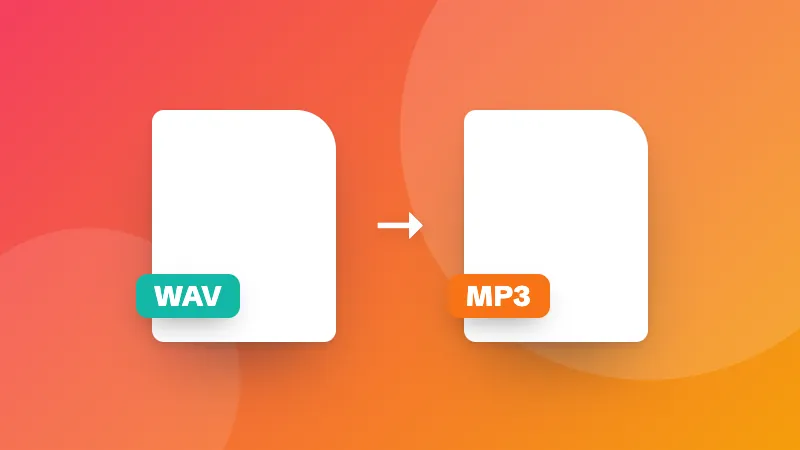
MP3 plays everywhere and keeps files small. WAV is uncompressed, which is best if you'll edit the recording. The original format (WEBM or M4A, depending on the browser) is the quickest to save.
How do I get better sound?
Record in a quiet room with soft furnishings, keep the microphone 15–30 cm from your mouth, and watch the level meter: speech should reach the middle of the meter without hitting the end. Turn off noise suppression for music.
Are my recordings uploaded?
No. Recordings stay in your browser until you download them, and disappear when you close the page.