Instal ZYBERMART

Buka semua alat dari layar utama atau dock, di jendelanya sendiri. Alat yang pernah Anda gunakan juga bisa dipakai offline.

Pemeriksa Kontras Warna

Periksa rasio kontras warna teks dan latar terhadap WCAG AA dan AAA, dan dapatkan nuansa warna Anda yang lolos.

Contrast ratio –

    Large text: the quick brown fox

    Normal text: Contrast makes words easy to read for everyone, including people with low vision and anyone reading a phone in bright sunlight.

    Button A link

    WCAG contrast levels

    WhatAAAAA
    Normal text4.5:17:1
    Large text (24px, or 18.5px bold)3:14.5:1
    Icons, borders, form fields3:1–

    Tips for accessible colours

    • Bright brand colours like orange, yellow and light green rarely pass on white for body text. Keep them for large headings and buttons, or use a darker shade for text.
    • Grey text on white is a common failure: #767676 is the lightest grey that passes AA.
    • Don’t use colour alone to show meaning (like red for errors); add an icon or words too.

    Building a palette? Try the colour palette generator and the colour converter.
    Frequently asked questions

    What contrast ratio do I need?

    WCAG level AA, the usual legal and design standard, needs 4.5:1 for normal text and 3:1 for large text (24px, or 18.5px bold) and for icons, borders and other interface parts. Level AAA, the stricter one, needs 7:1 for normal text and 4.5:1 for large text.

    How is the contrast ratio calculated?

    From the relative luminance (perceived brightness) of the two colours: (lighter + 0.05) ÷ (darker + 0.05). It runs from 1:1 (the same colour) to 21:1 (black on white).

    What does “Suggest a passing colour” do?

    It keeps the hue of your text colour and makes it darker or lighter, just enough to reach AA (4.5:1) on your background, so you can stay close to your brand colour.

    Which colour formats can I type?

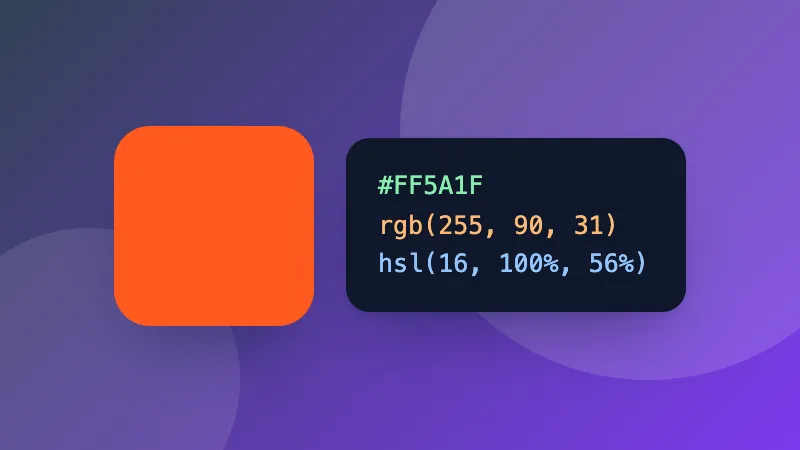
    Hex (#F60, #FF6600), rgb(255, 102, 0), hsl(24, 100%, 50%), or a CSS colour name like navy. Or use the colour picker.

    Masuk ke ZYBERMART

    Simpan CV, invoice, flashcard, catatan, dan alat tersimpan Anda di semua perangkat. Gratis, dan semua alat tetap berfungsi sama tanpa akun.

    atau

    Tanpa kata sandi. Dengan masuk, Anda menyetujui ketentuan kami; lihat cara kami mengelola data Anda di kebijakan privasi.

    Akun Anda

    Saat keluar, salinan pekerjaan Anda tetap tersimpan di browser ini. Di komputer bersama, hapus data browser setelahnya.

    Apa yang ingin Anda buat?

    Desain

    Media sosial

    Dokumen

    Belajar

    Edit

    Lihat semua 282 alat