Installera ZYBERMART

Öppna alla verktyg från hemskärmen eller Dock, i ett eget fönster. Verktyg du har använt fungerar även offline.

Färgkontrastkontroll

Kontrollera kontrastförhållandet mellan text- och bakgrundsfärg mot WCAG AA och AAA, och få en nyans av din färg som klarar kraven.

Contrast ratio –

    Large text: the quick brown fox

    Normal text: Contrast makes words easy to read for everyone, including people with low vision and anyone reading a phone in bright sunlight.

    Button A link

    WCAG contrast levels

    WhatAAAAA
    Normal text4.5:17:1
    Large text (24px, or 18.5px bold)3:14.5:1
    Icons, borders, form fields3:1–

    Tips for accessible colours

    • Bright brand colours like orange, yellow and light green rarely pass on white for body text. Keep them for large headings and buttons, or use a darker shade for text.
    • Grey text on white is a common failure: #767676 is the lightest grey that passes AA.
    • Don’t use colour alone to show meaning (like red for errors); add an icon or words too.

    Building a palette? Try the colour palette generator and the colour converter.
    Frequently asked questions

    What contrast ratio do I need?

    WCAG level AA, the usual legal and design standard, needs 4.5:1 for normal text and 3:1 for large text (24px, or 18.5px bold) and for icons, borders and other interface parts. Level AAA, the stricter one, needs 7:1 for normal text and 4.5:1 for large text.

    How is the contrast ratio calculated?

    From the relative luminance (perceived brightness) of the two colours: (lighter + 0.05) ÷ (darker + 0.05). It runs from 1:1 (the same colour) to 21:1 (black on white).

    What does “Suggest a passing colour” do?

    It keeps the hue of your text colour and makes it darker or lighter, just enough to reach AA (4.5:1) on your background, so you can stay close to your brand colour.

    Which colour formats can I type?

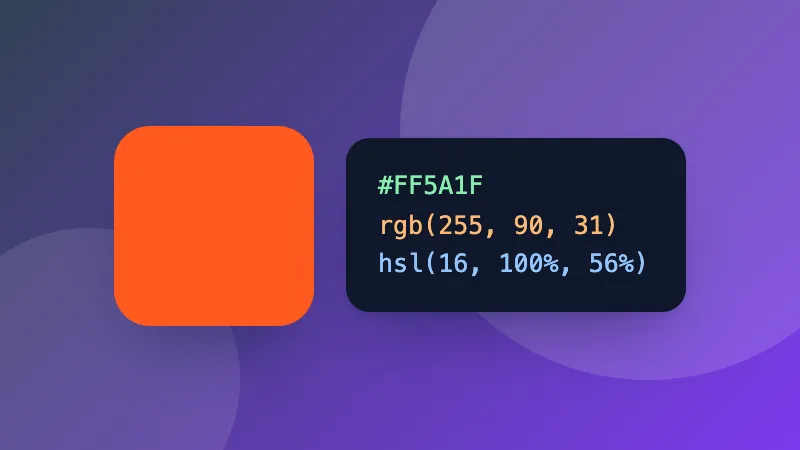
    Hex (#F60, #FF6600), rgb(255, 102, 0), hsl(24, 100%, 50%), or a CSS colour name like navy. Or use the colour picker.

    Logga in på ZYBERMART

    Ha dina CV:n, fakturor, flashcards, anteckningar och sparade verktyg på alla dina enheter. Det är gratis, och verktygen fungerar likadant utan konto.

    eller

    Inget lösenord behövs. Genom att logga in godkänner du villkoren. Läs hur vi hanterar dina data i integritetspolicyn.

    Ditt konto

    När du loggar ut finns en kopia av ditt arbete kvar i den här webbläsaren. På en delad dator bör du rensa webbläsardata efteråt.

    Vad vill du skapa?

    Designer

    Sociala medier

    Dokument

    Studier

    Redigera

    Visa alla 282 verktyg