How to extract text from a PDF
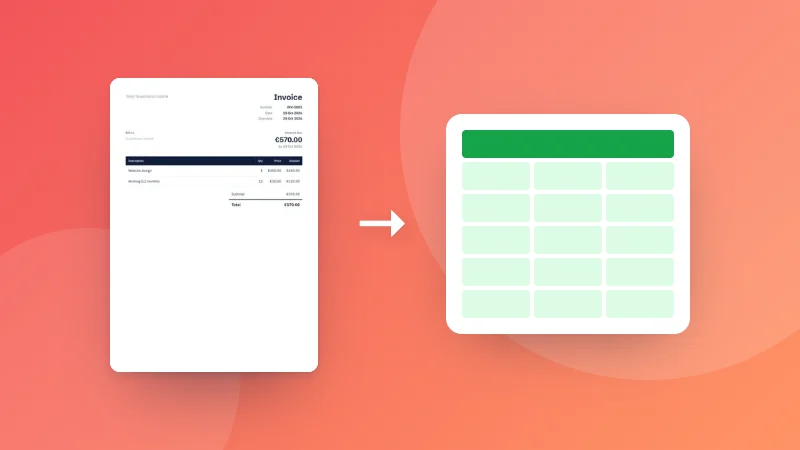
- Choose your PDF.
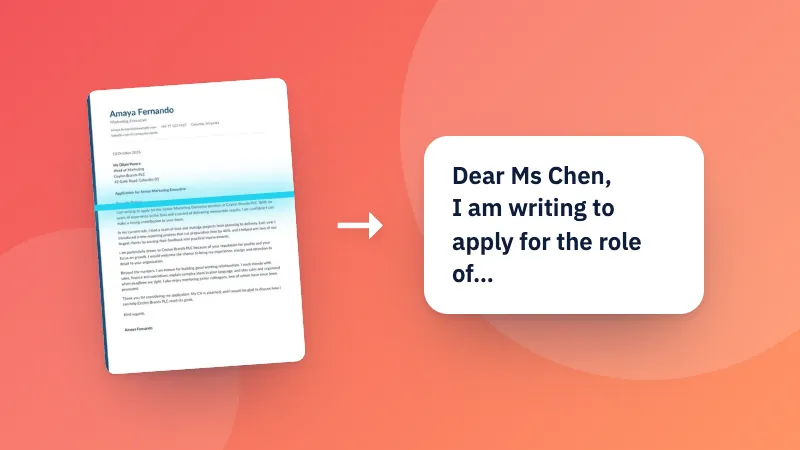
- The text of every page appears in the box.
- Copy it, or download it as a .txt file.
Count the words with the word counter, or get an editable document with PDF to Word.
Hämta all text ur en PDF så att du kan kopiera, redigera eller söka i den, sida för sida.
Count the words with the word counter, or get an editable document with PDF to Word.
The PDF is probably a scan or photo of a document, so the pages are pictures with no text inside. Extracting text from those needs OCR (text recognition), which you can do with the Scanned PDF to Text tool.
Line breaks and paragraphs are kept as well as possible, but fonts, columns and tables become plain text. For an editable document with paragraphs, use PDF to Word.
PDFs store text as positioned pieces rather than sentences. Unusual layouts, such as text in columns or with letter spacing, can come out in a different order.
No. The text is extracted in your browser.