Scans and forms
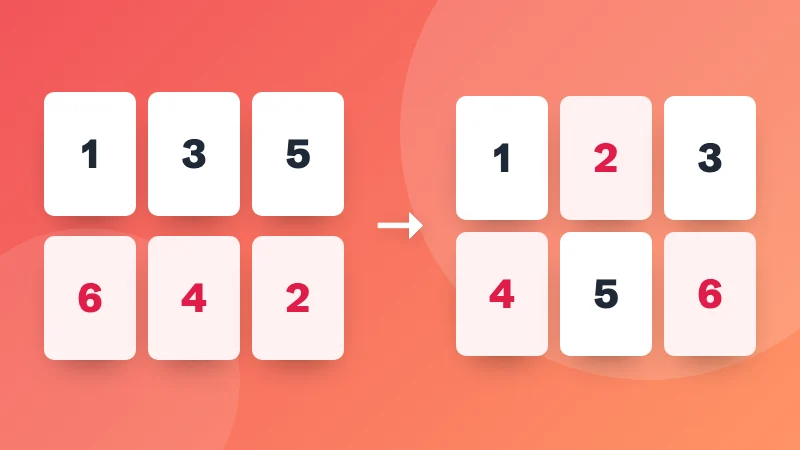
- Combine Double-Sided Scans New Scanned the fronts, then the backs? Put the pages back in order: front 1, back 1, front 2, back 2.
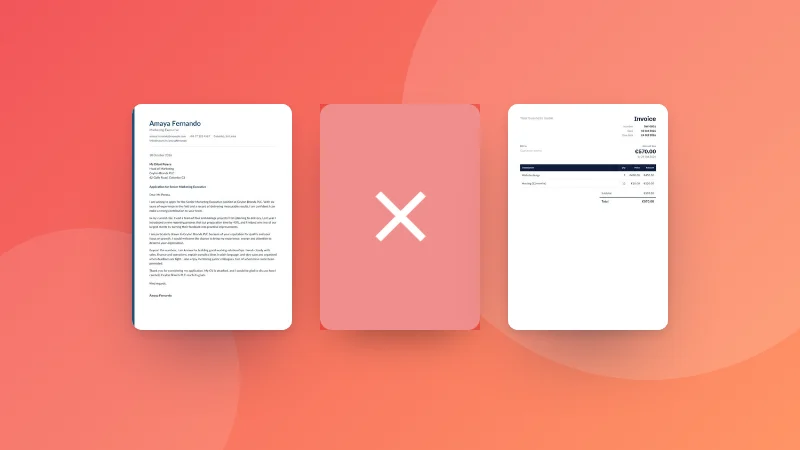
- Remove Blank Pages from PDF New Find the blank and nearly blank pages in a PDF, including scanned ones, and save it without them.
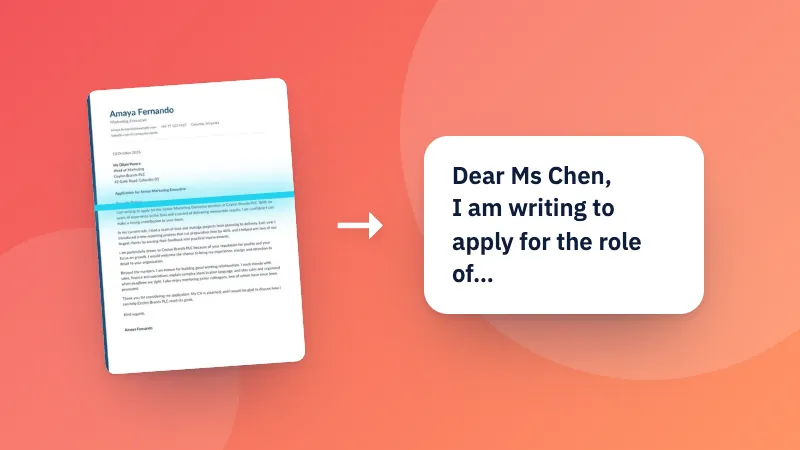
- Scanned PDF to Text (OCR) Read the text in scanned PDFs with OCR, then copy it or download a searchable PDF you can select and search.
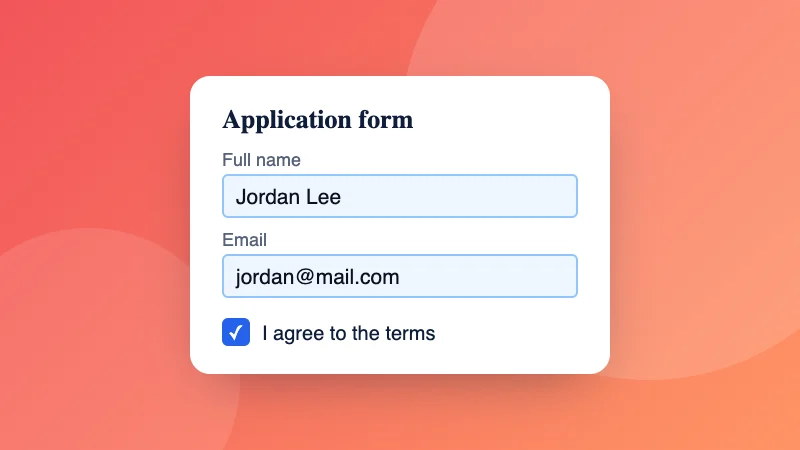
- Fill PDF Form Fill in a PDF form's fields right on the page: text boxes, tick boxes and options, then download it, with the answers locked in if you like.
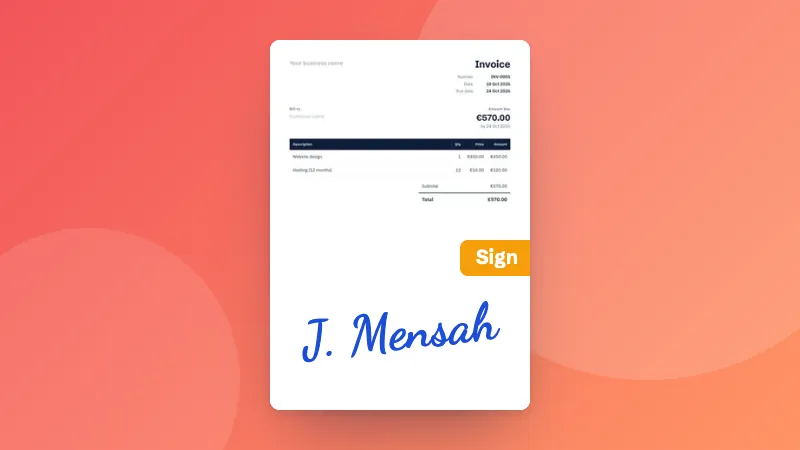
- Sign PDF Draw, type or upload your signature and place it on any page of a PDF, then download the signed document.
- Flatten PDF Flatten a PDF so filled-in forms, comments and signatures become part of the page and can't be changed.

Sharing safely
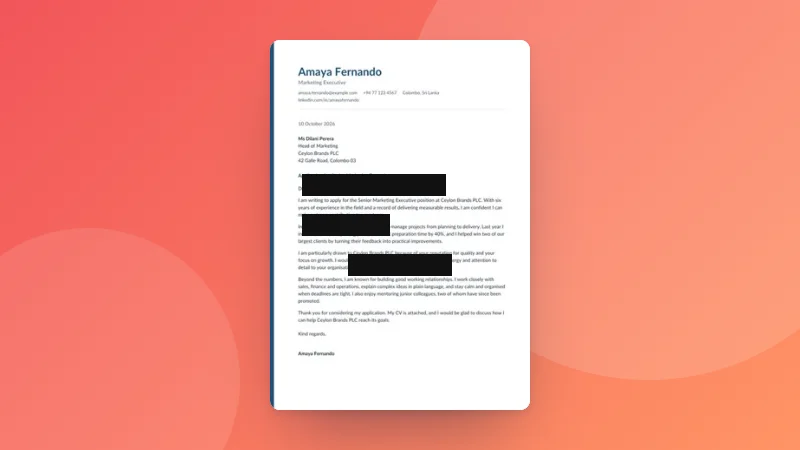
- Redact PDF Hide names, numbers and other private details in a PDF for good: draw boxes or find words, emails and phone numbers, and they're removed, not just covered.
- Protect PDF Add a password to a PDF with strong AES-256 encryption, and optionally block printing or copying.
- Unlock PDF Remove the password from a PDF you can open, so you don’t have to type it every time. You need to know the password.
- Compress PDF Make PDF files smaller by recompressing their pages as images. Ideal for scanned documents and email attachments.
- Watermark PDF Stamp text such as CONFIDENTIAL or DRAFT, or your logo, across every page of a PDF.
- Remove EXIF Data See what hidden information your photos contain, such as GPS location and camera details, and remove it before sharing.



Word, Excel and planning
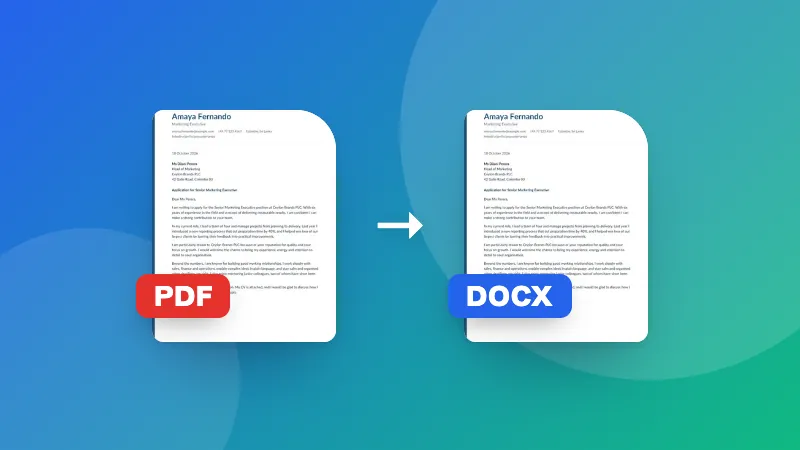
- PDF to Word Converter Turn a PDF into an editable Word document (.docx) with its paragraphs and headings.
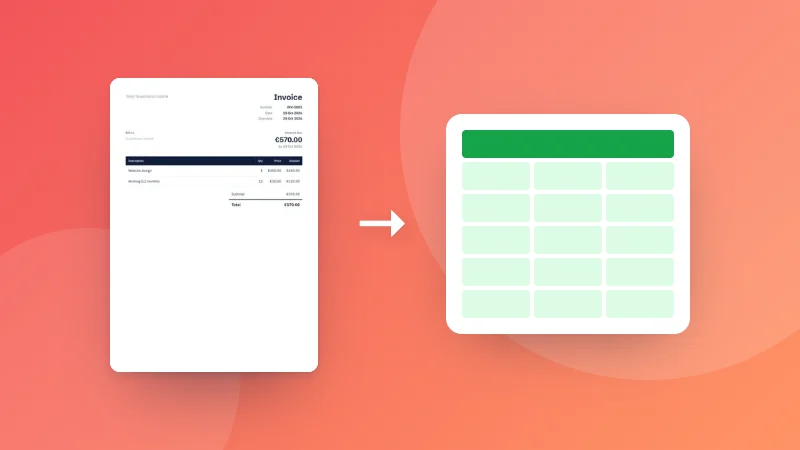
- PDF to Excel Turn the tables in a PDF, like bank statements, invoices and price lists, into an Excel spreadsheet with rows, columns and real numbers.
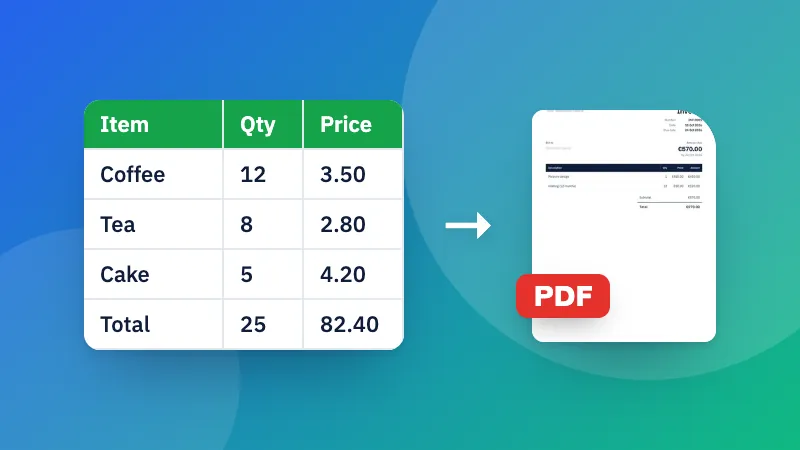
- Excel to PDF Converter Turn an Excel sheet into a clean, printable PDF table, with page orientation and repeated headers.
- Gantt Chart Maker List your tasks with start dates and days, chain them, and get a Gantt chart with progress, milestones and today's date.
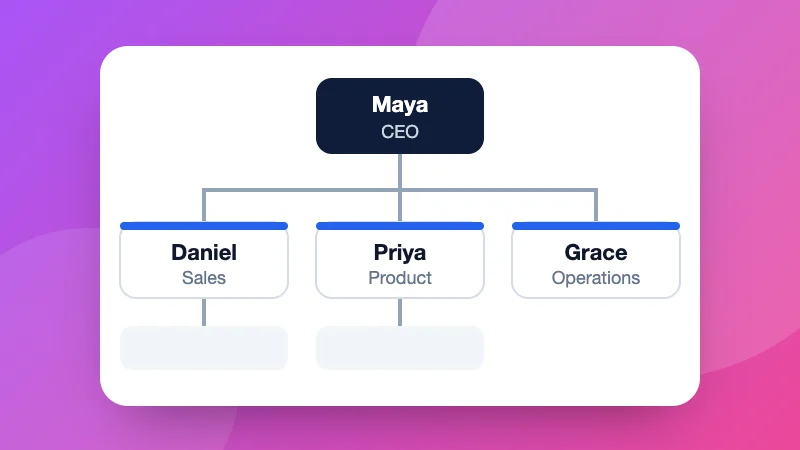
- Org Chart Maker Type your team as an outline (name and job title) and get a neat organisation chart, top to bottom or left to right.
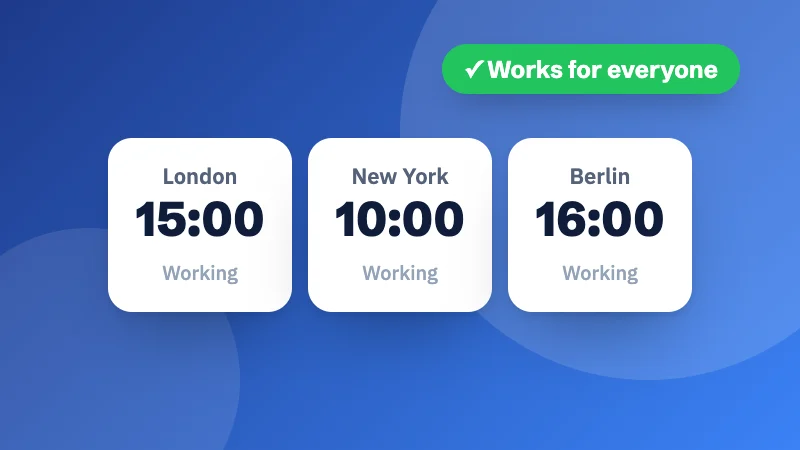
- Meeting Planner Line up the hours in several cities to find a meeting time that falls in everyone's working day, with daylight saving built in.
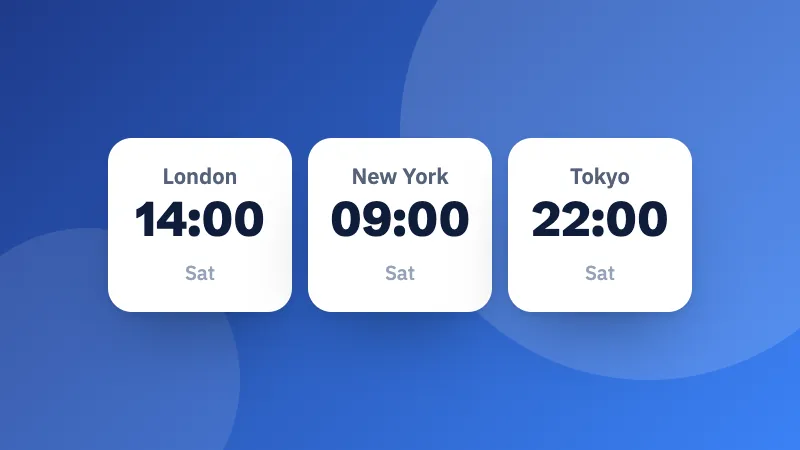
- Time Zone Converter Convert a date and time between any two time zones, with daylight saving time handled automatically and a world clock for major cities.